
Eight built-in reports—sales overview, sales detail, discounts, item-level revenue, payment methods, invoice types, taxes, batches. Trends view for the dashboard, Full Report for the spreadsheet, Export for the CPA.
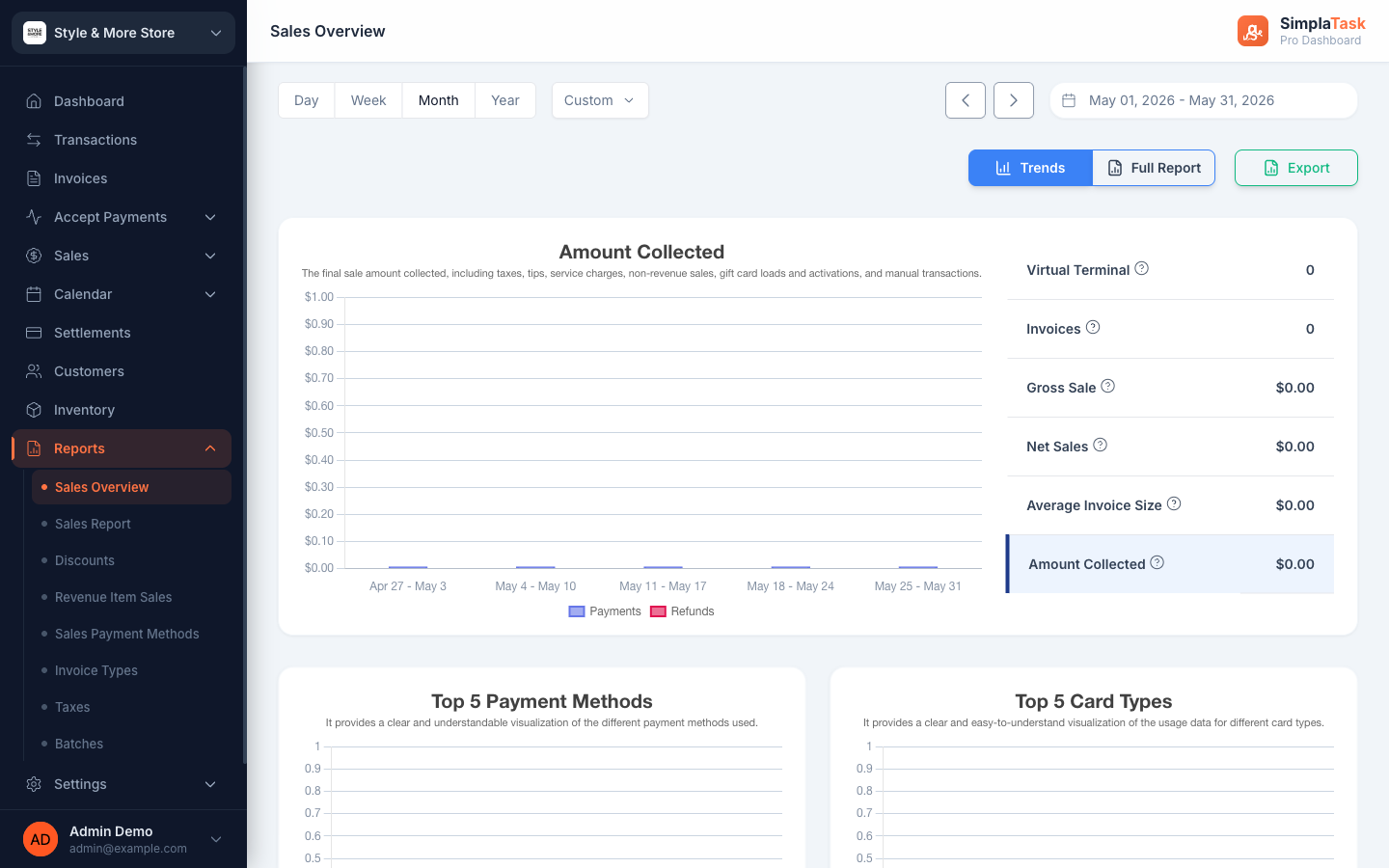
Every report has the same shape: a visual Trends view for monitoring, a Full Report view for digging in, and a CSV/PDF export for finance.
Line charts, top-N breakdowns, and sidebar metrics on one screen. Spot the patterns without doing the math.
Row-by-row detail with sortable columns, filters, and search. The view your bookkeeper actually wants.
One click to download the period as a CSV or PDF. Hand it to the accountant, plug it into your books.
Gross sale, net sales, average invoice size, amount collected—over time, with top payment methods and card types.
Transaction-level detail for the period. Sortable, filterable, exportable.
How much you gave away, to whom, on which invoices. Catch leaks fast.
Which items moved, how often, at what price. Inventory decisions get easier.
Cash vs card vs ACH vs PayPal. Find where the friction is.
One-time vs Installment vs Recurring vs Subscription. See which model your business actually runs on.
Sales tax collected by jurisdiction and period. Filing day gets shorter.
Daily processor batch totals so you can reconcile deposits in your bank statement to transactions in SimplaTask.
Every report you've ever asked your bookkeeper to build is already in SimplaTask. Open the one you need; export when you want to share.